


Local monitoring of Tigo TS4 optimizers in Home Assistant, without Tigo's cloud. PyTap listens to the RS-485 bus between your Tigo CCA and its TAP and gives every panel its own live sensors: power, voltage, current, temperature, energy and health.
An unofficial community integration, not affiliated with or endorsed by Tigo Energy. An independently maintained fork of azebro/pytap by Adam Zebrowski, who built the integration. See the changelog for what differs and credits for everyone whose work it includes.
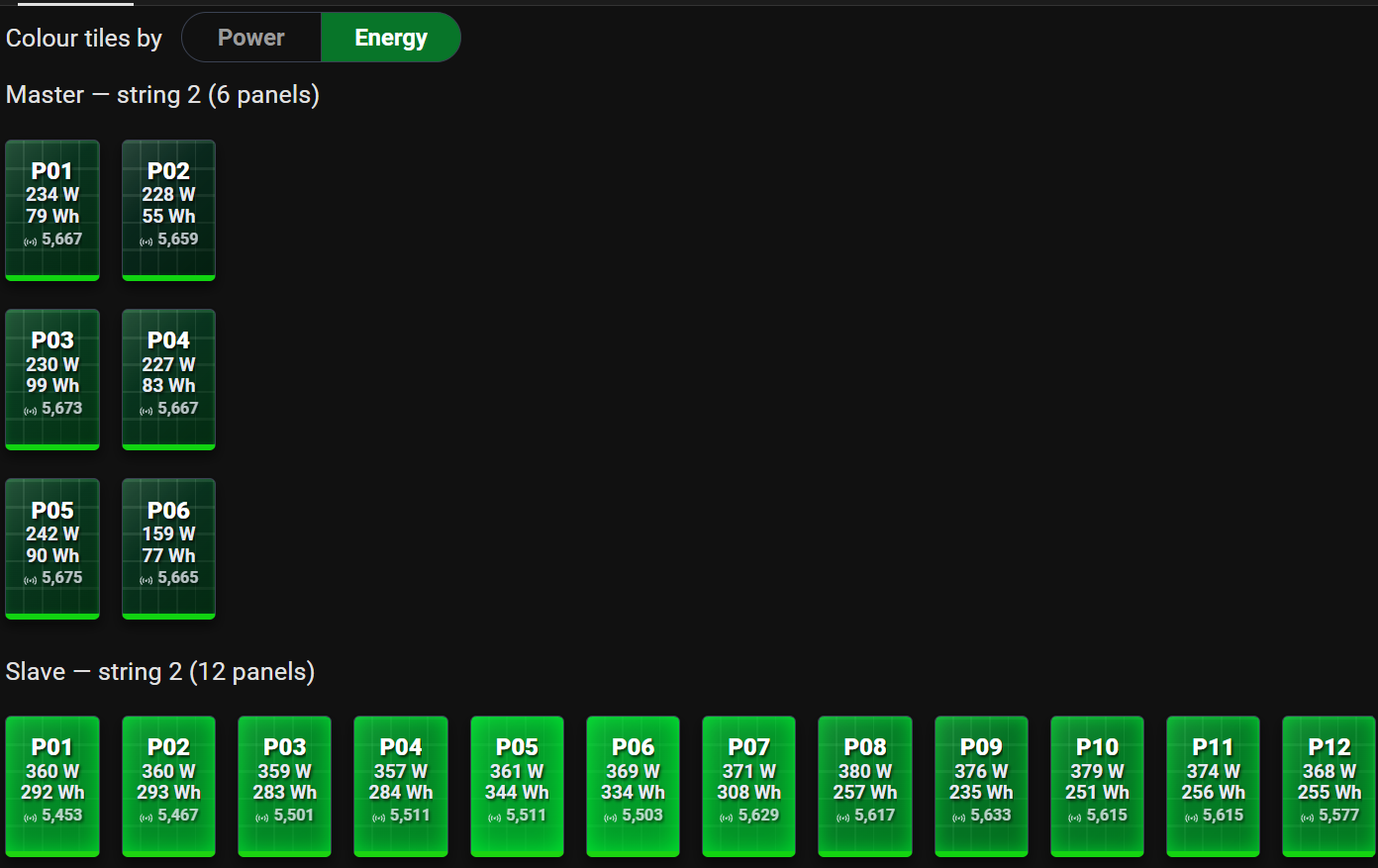
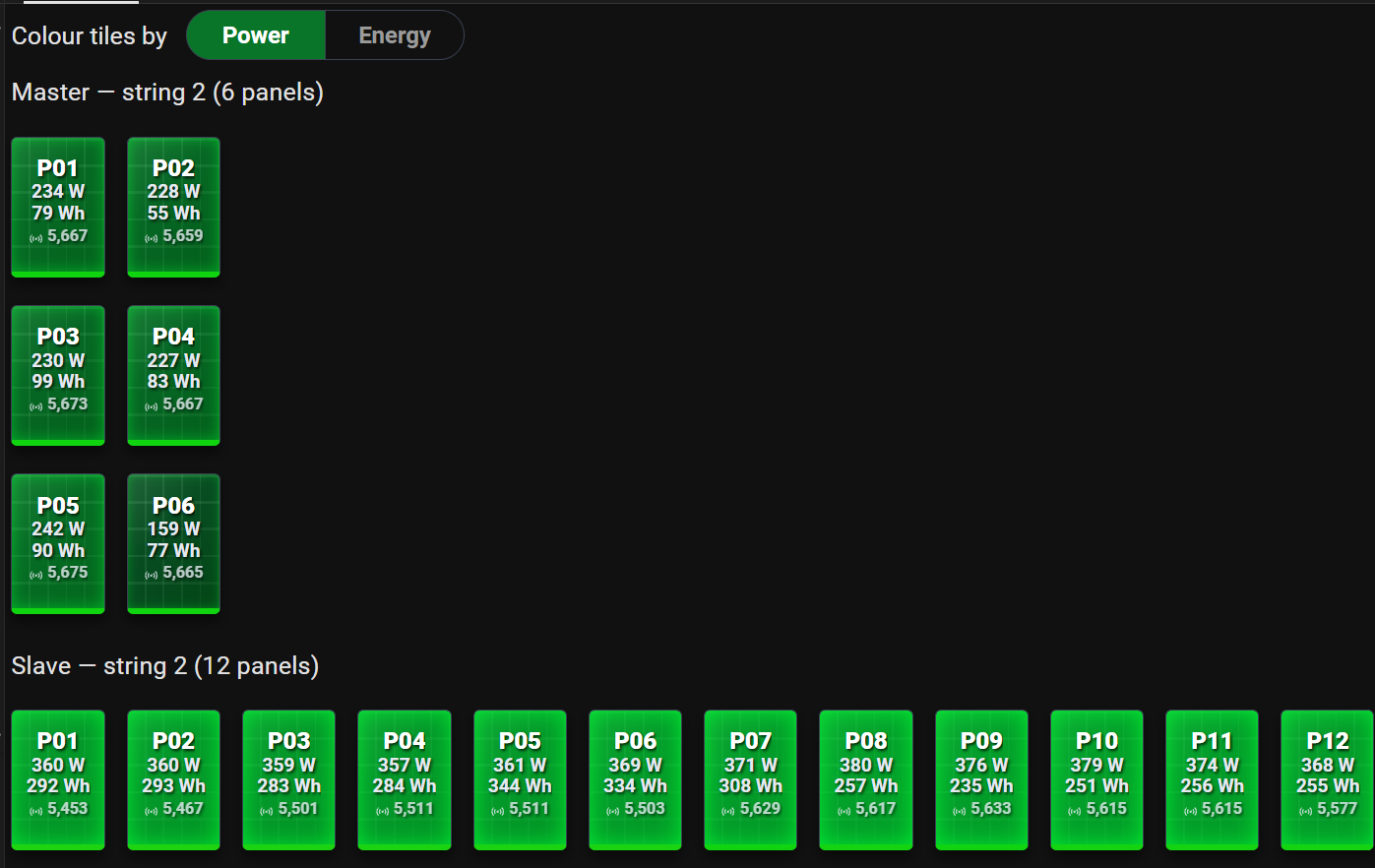 |
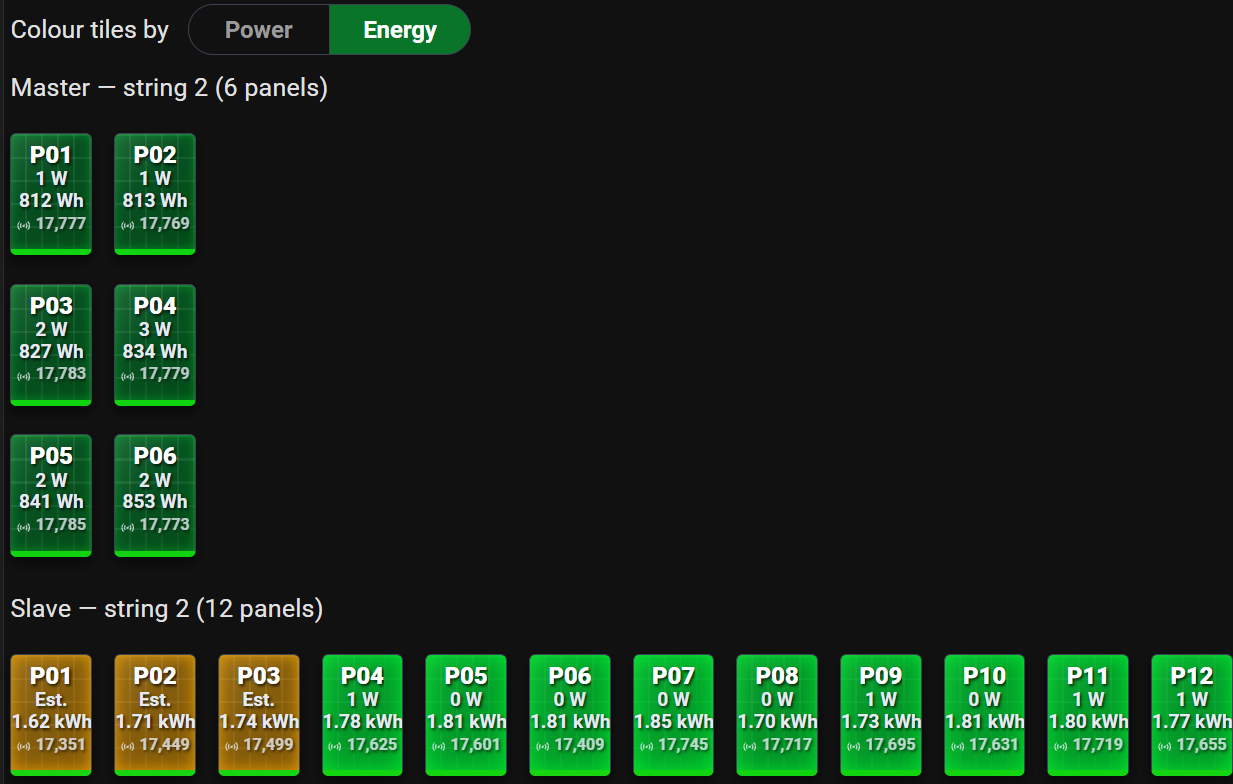 |
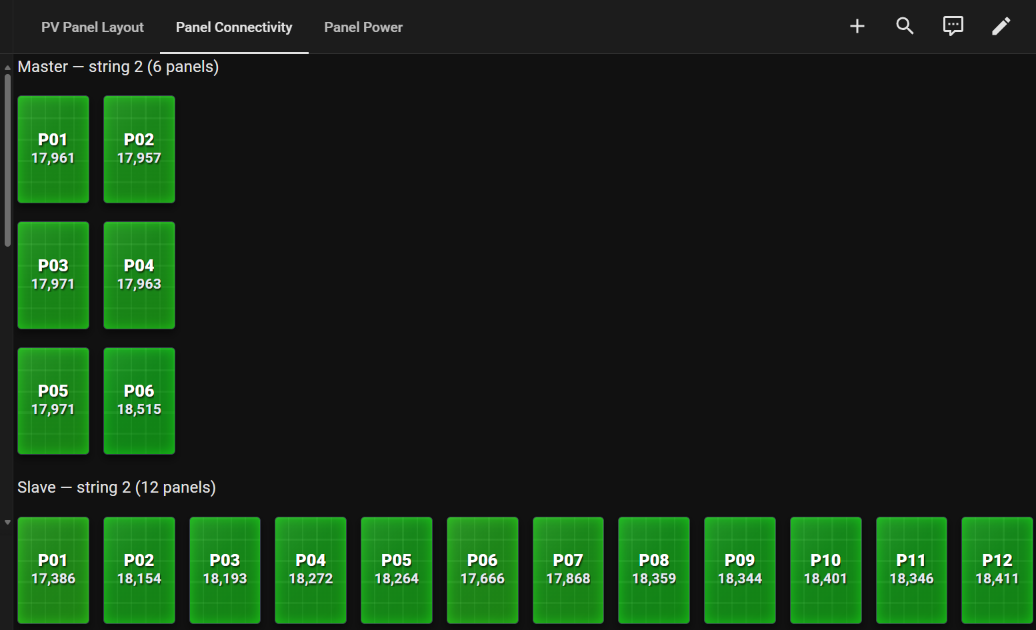 |
| Coloured by power | At dusk: quiet panels estimated (amber) | Classic PV Production: readings per panel today |
- Every panel, live. 13 sensors per optimizer (power, voltages, currents, temperature, duty cycle, signal, daily and lifetime energy, performance), totals per string, inverter and gateway, and Energy dashboard ready. Entities →
- Quick setup, painless maintenance. Optimizers are found automatically. Entity IDs are the optimizer's barcode, so moving panels between strings or inverters, or renaming them, never breaks dashboards or history. Configuration →
- Numbers you can trust. Each panel's data validity, sun-aware night handling, estimates for briefly silent panels, and physically impossible readings thrown out. When readings stop →
- Health at a glance. Bus status per gateway, and per-panel status flags decoded from every report. Status flags →
- Local and listen-only. Nothing is sent on the bus, so the CCA and Tigo's cloud keep working as before. Connect with an RS-485 to TCP converter, a serial adapter or an ESPHome serial proxy. Hardware →
- Light on your database. Readings are averaged (60 s by default) and rounded, and flags are written only when they change. Reporting modes →
- Research tools. Record the raw bus on demand and replay it offline through PyTap's own parser. Packet capture →
- Ready-made dashboards. PV Panels, one view of the whole roof, and the classic PV Production views, with a Grafana version.
You need Home Assistant 2026.11 or later and a Tigo CCA with its TAP(s) and TS4 optimizers.
- Connect to the bus. Wire an RS-485 to TCP converter (for example a Waveshare RS485 to Ethernet), a serial RS-485 adapter or an ESPHome serial proxy to the CCA's GATEWAY A and B terminals. Hardware and wiring →
- Install. In Settings → Marketplace, select Add from link, enter
DoubleDoc/pytap, install PyTap and restart Home Assistant. Installation → - Add the integration. Settings → Devices & services → Add integration → PyTap, choose your connection, and select Finish setup: discovery adds your optimizers. Configuration →
- Wait for sunrise. PyTap learns which optimizer is which when the optimizers power up in the morning; after that, readings flow and restarts resolve straight away. First start →
| Hardware | Ways to connect, wiring, Waveshare converter settings |
| Installation | Marketplace, manual, upgrading, removing |
| Configuration | Setup, discovery, the first morning, managing modules, reporting modes |
| Entities and devices | Sensors, status flags, totals, bus status, device naming, Energy dashboard |
| When readings stop | Night, dropouts, stale-reading settings, estimates, data validity |
| Dashboards | PV Panels; also PV Production and Grafana |
| Troubleshooting | Diagnostics, log messages, debug logging, known limitations |
| Packet capture | Recording the bus, deleting captures, offline tools |
| Protocol status bits | What each flag bit means, and the evidence |
| How it works | Data flow, and future work |
| Development | Project layout, tests, linting, deploying |
| Changelog | Every release |
Questions and problems: open an issue.
 Adam Zebrowski Wrote PyTap |
 Tim Laing Reliability, serial, discovery, capture, status (#32–#39) |
 Kyrill Averaged reporting |
 seaosair Database load |
 Will Glynn taptap: the protocol |
 Bobsilvio Protocol notes |
What each contributed, in detail: Credits.
MIT. © Adam Zebrowski; © Tim Laing for his adopted contributions; © DoubleDoc for the fork's changes.